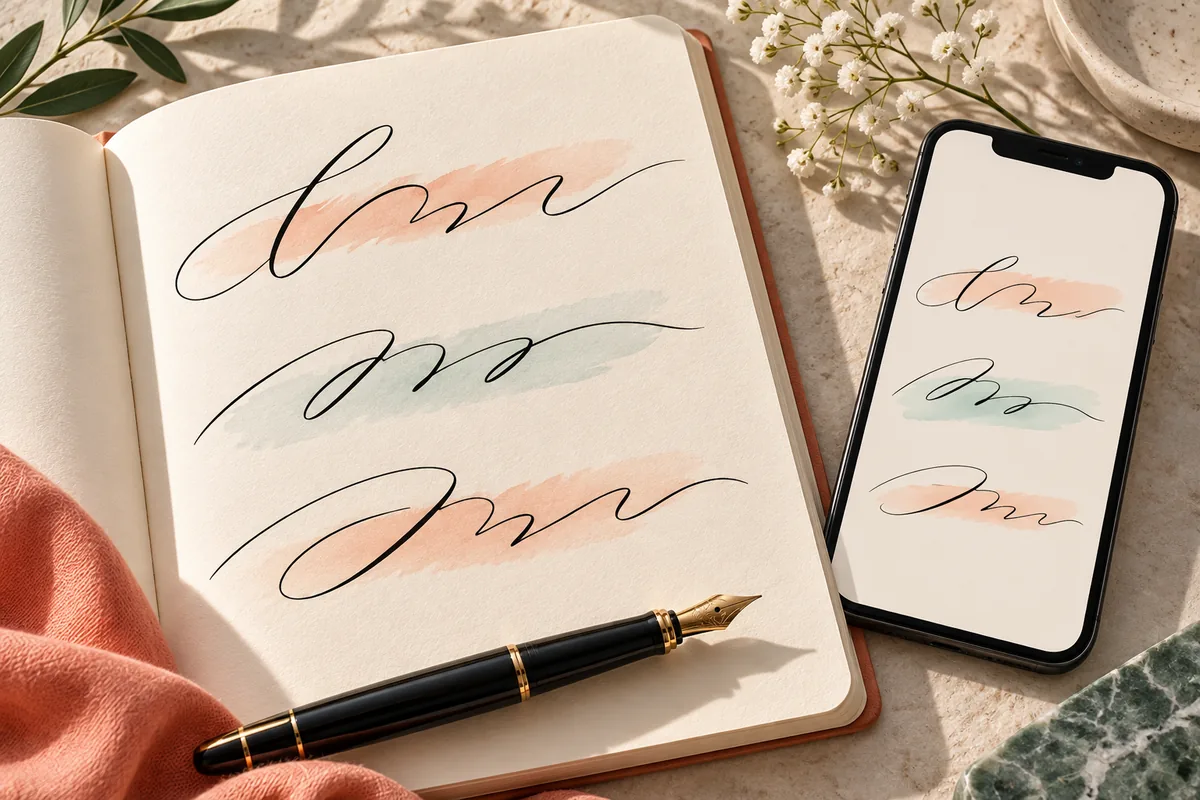
Choose the right CursiveCopy route for the job. Start with the live generator for a quick result, then use the planned text, name, bold, fancy, writing, or broad font-tool paths when your goal needs a narrower explanation.
Browser basedCopy and paste outputShort text friendly
Cursive text is easiest to judge as a short line in the place where you plan to use it.
START WITH THE TASK
Cursive font generator tools for different text jobs
CursiveCopy keeps the main task simple: turn ordinary letters into stylish Unicode text that you can copy into a profile, caption, message, invitation, or short heading. The homepage is the live starting point. This page helps you choose the right direction when you are comparing a few related searches or planning a larger text project.
The routes below are separated by the job a visitor is trying to finish. A text generator is useful for a general copy-and-paste line, a name generator focuses on usernames and signatures, and a writing guide explains handwriting ideas rather than promising a downloadable font file. Keeping those jobs distinct makes the page easier to scan and keeps the exact generator intent on the homepage.
01Available now
Live Cursive Font Generator
Enter a name, bio, caption, or short message and compare six script-inspired Unicode styles with copy buttons and a visible compatibility note.
A text-first path for visitors who describe the task as turning plain words into copy-and-paste cursive text. It will keep the same browser runtime while adding text examples and usage guidance.
Text workflow
03Planned route
Cursive Name Generator
A focused choice for first names, full names, usernames, and brand labels. Short examples and destination-app checks will matter more than long paragraphs.
Name workflow
04Planned route
Fancy Cursive Font Generator
A decorative variation for visitors who want a more expressive look. The page will explain when fancy characters help and when a simpler script is easier to read.
Fancy workflow
05Planned route
Bold Cursive Font Generator
A narrower route for bold script results used in headings, profile names, and short captions that need stronger visual weight.
Bold workflow
06Planned route
Cursive Writing Generator
A writing-focused guide for handwriting and script ideas. It will distinguish visual practice prompts from Unicode copy-and-paste output.
Writing workflow
07Planned route
Font Generator
A broader directory entry for visitors who want to compare multiple text styles. It will link back to the focused cursive tools instead of replacing them.
Browse font styles
CHOOSE WITH CONFIDENCE
Which cursive tool should you use first?
Use the live generator when you already have the words and need a result now. It has a prefilled example, a character counter, style filters, individual copy actions, and a copy-all option. You do not need to create an account or upload a file for the basic flow.
Choose a future specialized route when the surrounding explanation is part of the task. A name page can show shorter examples and username checks; a bold page can keep the result set focused; a writing page can discuss handwriting practice. Those pages should link back to the live tool for the actual Unicode transformation rather than pretending that decorative text is an installable font.
Need a result immediately: open the live generator.
Need a short name or username: use the planned name workflow.
Need stronger contrast: use the planned bold workflow.
Need decorative variety: use the planned fancy workflow.
Need handwriting guidance: use the planned writing workflow.
Need a wider style directory: use the planned font workflow.
A CLEAR BOUNDARY
Why the directory keeps the live generator on the homepage
A directory page should help visitors choose without adding a second copy of the same input box. The homepage already owns the broad cursive font generator intent, so the directory focuses on navigation, task language, and expectations. That keeps the first click useful: visitors who want an immediate transformation go straight to the working generator, while visitors comparing a name, bold, fancy, writing, or broad font idea can understand what a future route would add.
This boundary also makes compatibility clearer. The output is still Unicode text that a destination app must render; a specialized page can explain a use case, but it cannot guarantee that every service accepts every decorative character. Treat the route names as guidance for choosing a workflow, keep a plain-text version of anything important, and review the final pasted line before sharing it publicly.
KEEP THE OUTPUT READABLE
What every cursive font generator route should explain
These tools create Unicode characters, not a TTF or OTF font file. A font file changes how a program draws ordinary text; Unicode styling changes the characters that you paste. The destination app, operating system, accessibility tool, search system, or moderation filter may render those characters differently.
A good workflow keeps the original plain text nearby. Paste a short test into the final service, check accents, numbers, punctuation, emoji, and line breaks, and switch to ordinary text when the wording must be searchable, selectable, or easy for assistive technology to read. Unsupported characters remain unchanged so a mixed result is still understandable.
A quick comparison works best when you keep the wording constant. Try a short phrase with uppercase and lowercase letters, an accented character if you use one, and the punctuation you expect to publish. Check the result at the size where readers will see it, not only in a large editor preview. Prefer the version that stays legible at a glance; extra flourishes are less useful when they make a name or caption hard to recognize. After choosing, paste the text into the real destination and review spacing, line breaks, and any characters the service changes or rejects. Keep a plain, editable copy for important wording.
ONE SIMPLE WORKFLOW
How to move from a tool directory to a finished line
The directory answers the selection question; the live generator completes the text task in three short steps.
01
Pick the job
Decide whether you need a general line, a name, a bold heading, a decorative option, or writing guidance.
02
Open the matching route
Use the live homepage for an immediate result. Planned routes will add narrower examples without changing the browser-first boundary.
03
Copy and check
Paste the result into the destination app, confirm the characters and spacing, and keep the plain text version for later edits.
DIRECTORY FAQ
Cursive font generator tools FAQ
Quick answers about the directory, the live generator, Unicode output, and the planned specialized routes.
Which cursive font generator works right now?
The homepage live generator is available now. It converts short text in the browser, shows several styles, and lets you copy one result or the full set.
Is the /tools/ page another generator?
No. It is a directory-style guide that helps you choose a task route. The actual live transformation happens on the homepage generator.
Will the planned pages create downloadable fonts?
No. The planned routes are for copy-and-paste Unicode text and explanations. They will not promise an installable TTF or OTF file.
Should I use a specialized page for a name?
Use the planned name route when you want examples and checks designed around names, usernames, or brand labels. For an immediate result, the homepage already accepts those inputs.
Why keep plain text beside the styled result?
Unicode characters can render differently across apps and devices. A plain version protects editing, accessibility, searchability, and reliable copying when the decorated version is not suitable.
Can I use these tools for long paragraphs?
You can test a longer paragraph, but short lines are usually easier to read and more consistent across platforms. Reserve decorative output for names, headings, captions, or brief messages.